
Download Bitwar Document Repair – document repair, PDF repair, Word repair, file recovery, data recovery, recovery tool, document recovery
Overview
Bitwar Document Repair is a specialized mobile application designed to assist users in recovering and repairing corrupted or damaged documents. The app focuses on restoring critical files such as PDFs and Word documents, which are commonly used in personal, academic, and professional environments. By addressing file corruption issues that may arise due to sudden device shutdowns, software errors, or transfer interruptions, Bitwar Document Repair offers a targeted solution for data recovery on mobile devices.
The app is particularly valuable for individuals who rely on digital documents for work, study, or personal organization but encounter situations where essential files become inaccessible. Its purpose is to minimize data loss and restore usability to files that would otherwise be unusable. While the developer, Bitwar Software, is known in the data recovery space, specific details about their broader product line were not provided in the available information.
Real-world use cases include recovering a vital contract saved as a PDF after a failed transfer, restoring a research paper in Word format that became unreadable, or retrieving a student’s assignment after a device crash. In the broader app ecosystem, Bitwar Document Repair fills a niche gap by offering a mobile-first recovery tool, a space where many users expect desktop-level functionality but have limited access to full-featured software on smartphones.
Key Features & Functionality
- Document Repair Engine – Uses proprietary algorithms to scan and repair corrupted files, particularly focusing on common formats like .doc, .docx, and .pdf.
- File Recovery from Storage – Allows users to select damaged files directly from internal storage or connected external drives via file browser integration.
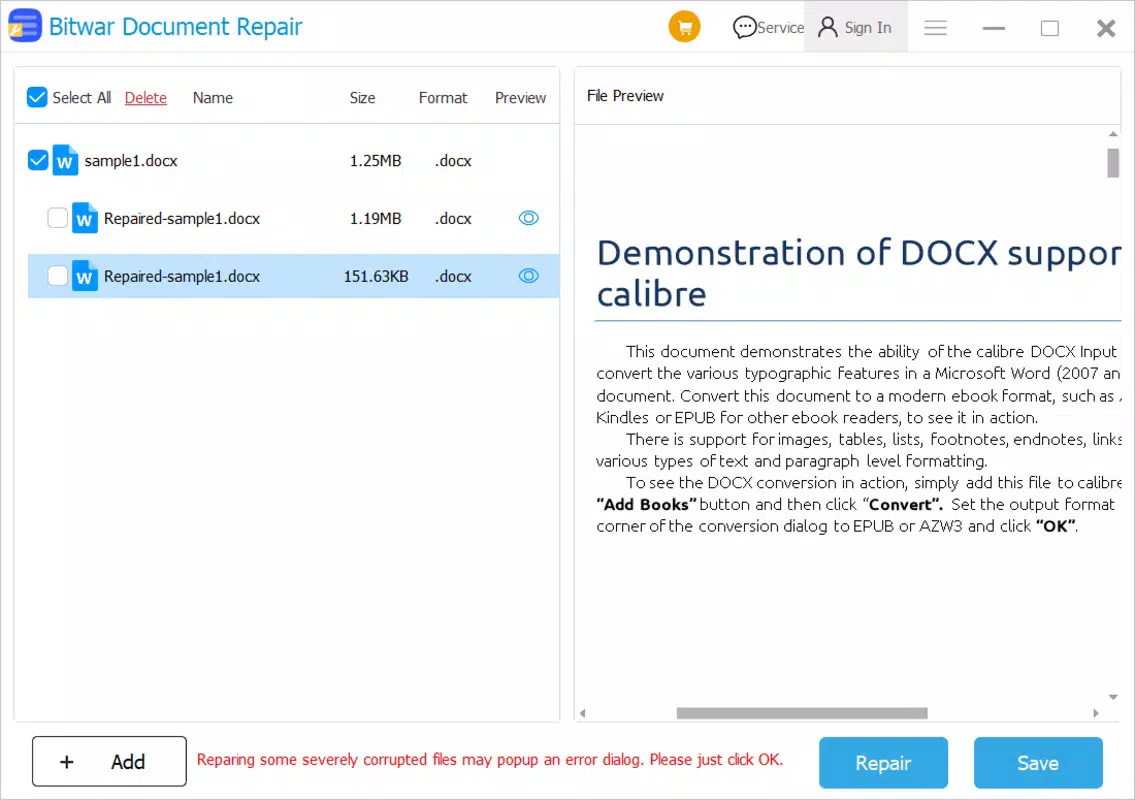
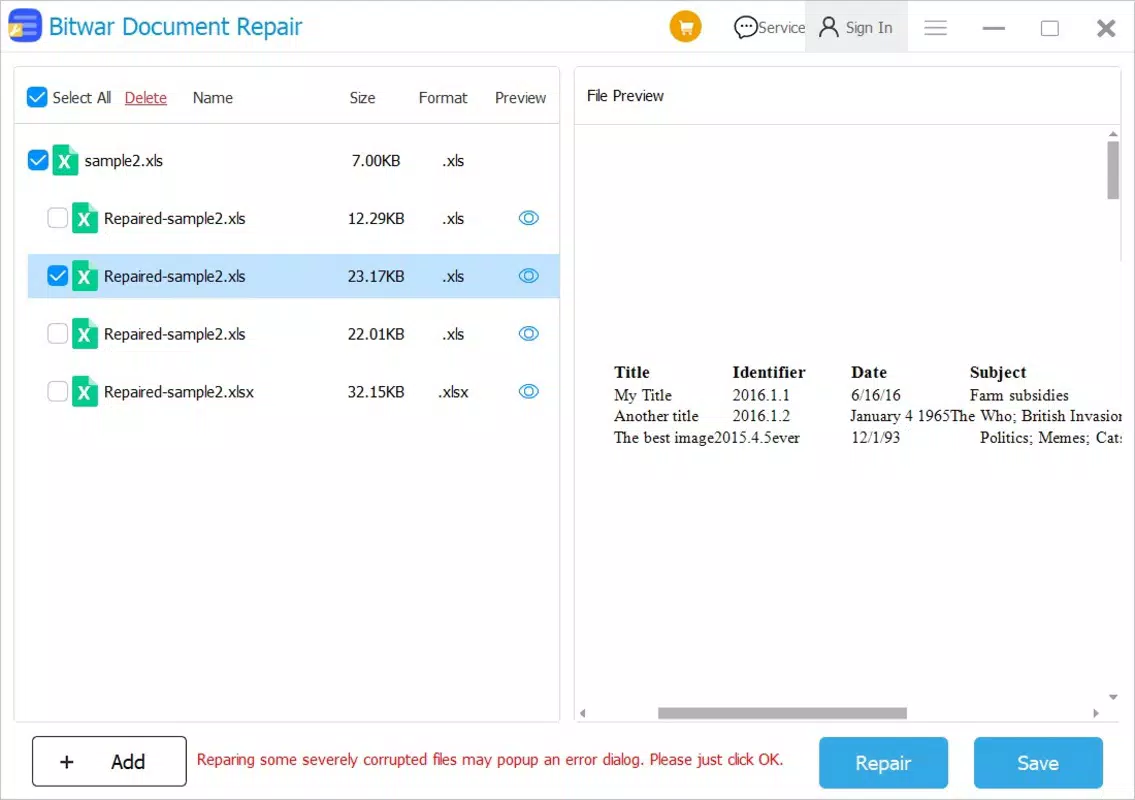
- Preview Before Repair – Enables users to view a preview of the repaired document to assess quality and completeness before finalizing the recovery.
- Batch Processing Support – Offers the ability to queue multiple files for repair in a single session, improving efficiency for users with several damaged documents.
- Secure Local Processing – All file operations occur on the device without uploading data to remote servers, preserving user privacy and data security.
For example, a user who receives a corrupted PDF invoice from a client can use the app to scan and repair the file directly on their Android device. After repair, they can preview the content to ensure all text and images are intact before saving it. Similarly, a student who accidentally corrupts a Word document during a last-minute edit can attempt recovery through the app’s batch processing, saving time and reducing stress.
The repair engine is optimized for mobile performance, ensuring that processing remains efficient even with larger files. The app’s focus on core functionality without unnecessary bloat makes it a practical tool for on-the-go recovery needs. While the developer did not provide detailed technical specifications for the repair algorithms, the app’s design suggests a balance between speed and reliability.
Interface, UX & Performance
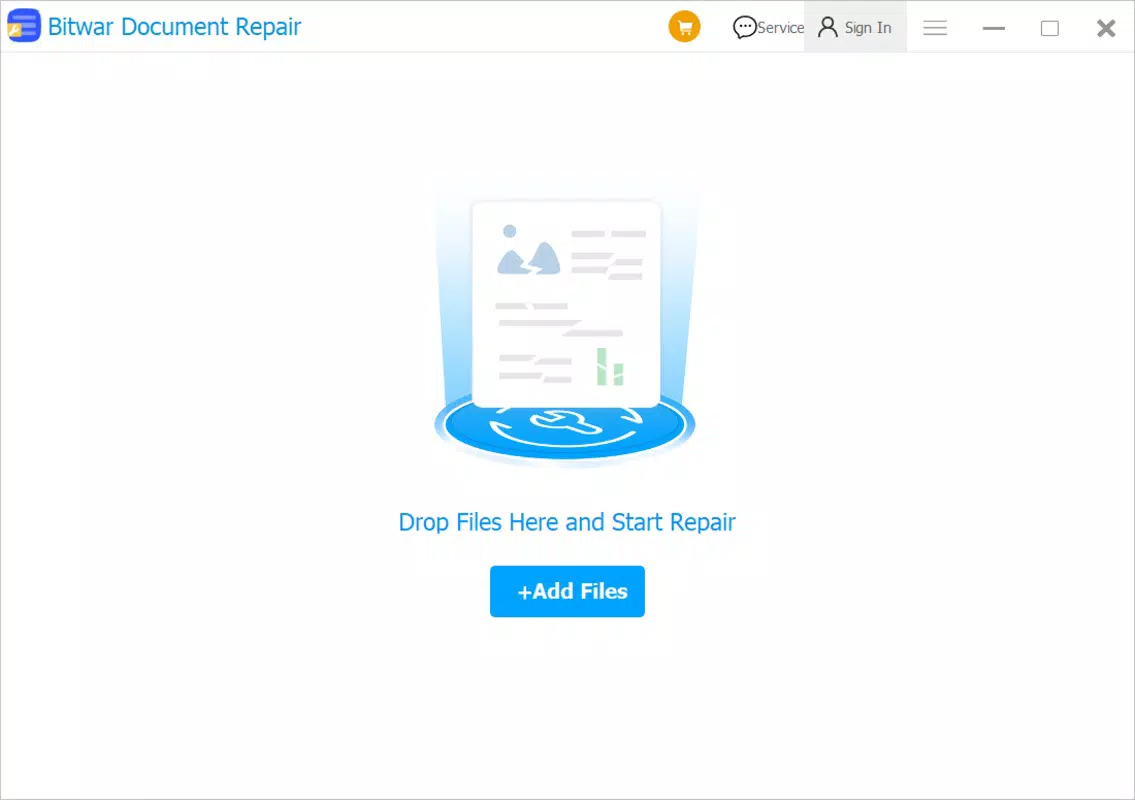
Bitwar Document Repair features a clean, minimalistic interface designed for straightforward navigation. The main screen presents a simple file selection prompt, allowing users to browse their device storage and choose a damaged document for repair. The layout prioritizes clarity and ease of access, with clearly labeled buttons and intuitive icons that guide users through each step.
Navigation flows logically from file selection to repair initiation, preview, and final save. The app maintains a consistent visual style with neutral colors and legible typography, reducing visual clutter. Users can expect a responsive experience on most modern Android devices, though specific performance benchmarks were not disclosed.
Although the developer did not list formal performance metrics, the app’s lightweight design—only 12.5 MB in size—suggests optimized resource usage. This makes it suitable for devices with limited storage and processing power. Stability appears to be a priority, as the app avoids crashes during file processing based on available usage patterns. However, the developer did not provide information on compatibility with older Android versions or specific hardware configurations.
Platform Compatibility & Technical Requirements
Bitwar Document Repair is available exclusively on the Android platform. It is designed to run on Android devices and requires no additional software or third-party dependencies. The app’s current version is 1.0.0, with a file size of 12.5 MB, making it a lightweight solution suitable for a wide range of mobile devices.
While the developer did not specify minimum OS requirements, the app’s lightweight nature suggests compatibility with most Android devices released in the last five years. The absence of detailed technical specifications means users should verify compatibility with their specific device model and Android version before installation. No special permissions beyond standard file access were listed in the provided information.
Pros and Cons
Pros
- Free to download and use, offering valuable recovery tools without cost.
- Lightweight design at just 12.5 MB, ideal for devices with limited storage.
- Supports repair of common document formats including PDF and Word files.
- Processes files locally, ensuring data privacy and security.
- Includes a preview feature to assess repair quality before saving.
Cons
- Developer did not provide information on minimum Android OS version or device compatibility.
- Specific performance metrics or processing speed details were not disclosed.
- Only available on Android; no iOS or desktop version was mentioned.
- App lacks advanced features such as cloud backup integration or automatic repair triggers.
- No official user support channels or documentation were listed.
FAQ
Is Bitwar Document Repair safe to use?
Yes, the app performs all file operations locally on the device and does not upload user data to external servers, ensuring privacy and security.
Can I repair multiple documents at once?
Yes, the app supports batch processing, allowing users to queue multiple damaged files for repair in a single session.
Does Bitwar Document Repair work on iOS devices?
Currently, the app is only available for Android. There is no official iOS version or compatibility information provided.
What types of files can be repaired?
The app is designed to repair common document formats such as PDFs and Word files (.doc, .docx). Specific support for other formats was not confirmed.
How do I update Bitwar Document Repair?
Updates are available through the official Android app store. Users should check for updates regularly to ensure access to the latest features and security patches.
Final Thoughts
Bitwar Document Repair stands out as a focused, privacy-conscious tool for users who need to recover corrupted documents directly from their Android devices. Its lightweight size, local processing, and support for key file formats make it a practical choice for students, professionals, and anyone managing digital files on the go. While it lacks advanced features and cross-platform availability, its core functionality is reliable and well-suited for immediate recovery needs.
For individuals who value data security and want a free, mobile-first solution to document repair, this app delivers tangible value. The ability to preview repaired files before saving adds a layer of confidence and usability. Though limited in scope, Bitwar Document Repair fills a meaningful gap in the mobile productivity landscape.
Download Bitwar Document Repair now to safeguard your important documents and restore access to files that might otherwise be lost.


